Attribute Table Tab
The data attributes must be added to the table to be viewed.
1. Open Map Layers list by clicking on Map Layers button.
2. Click on the ellipsis (…) to access the Options of the desired layer.

3. Click on Add to table.
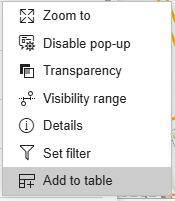
4. The attribute data is then available for viewing.
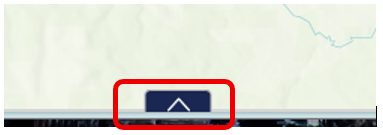
5. Click on the arrow at the bottom centre of the map.
The Show Selection and Clear Selection buttons are grey until a selection is done.
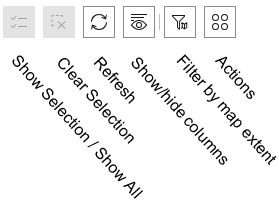
Actions that can be done on the attributes.
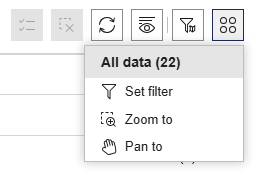
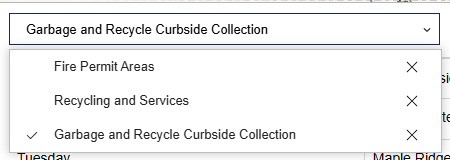
Use the dropdown list to select the active table.